
Studio case study / Unreal Engine
Parametric Screens
Perforated panels looked right through a cinematic camera and too dark in the map view. We traced the difference to where exposure was being applied.
Angle laboratory
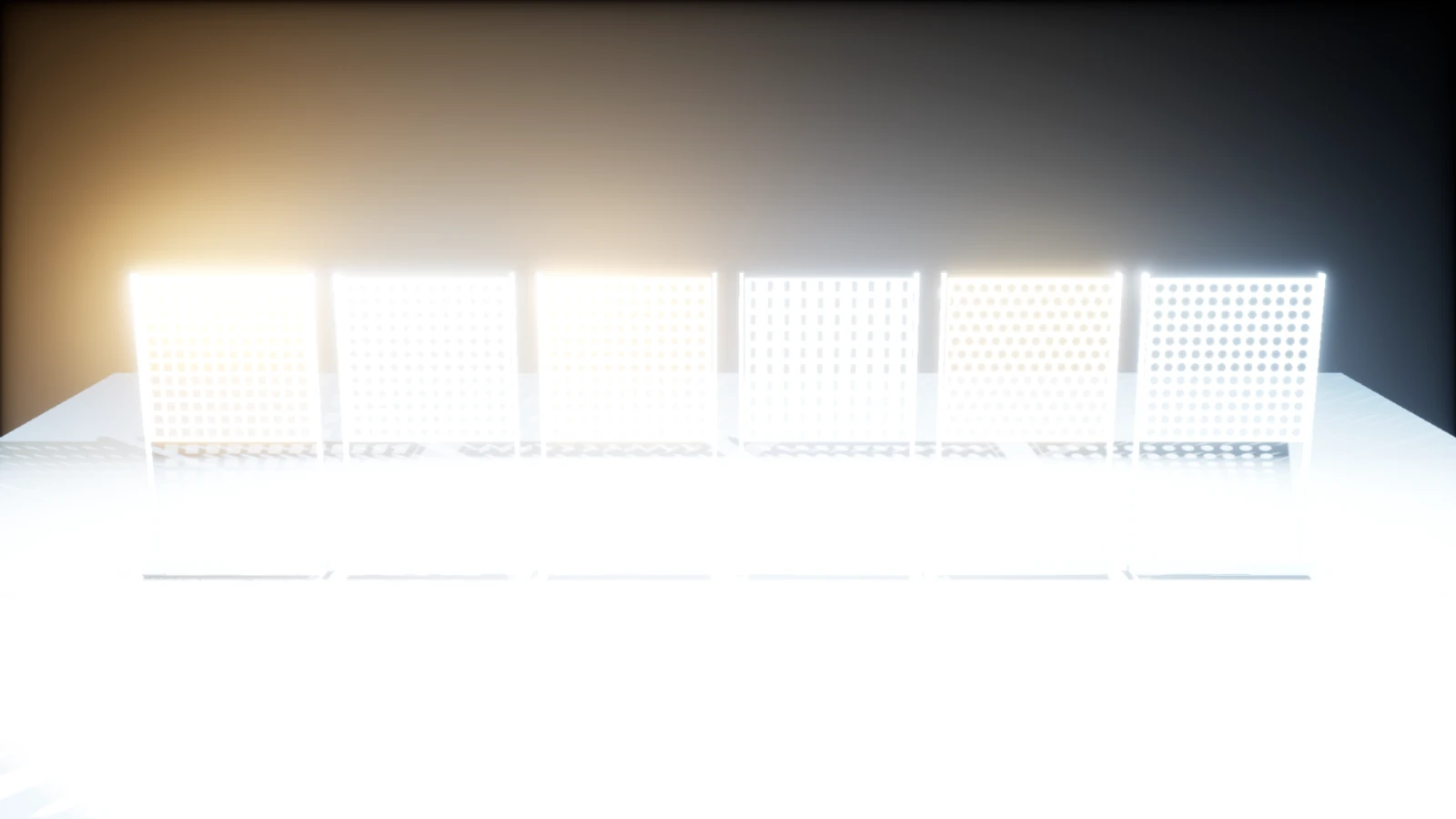
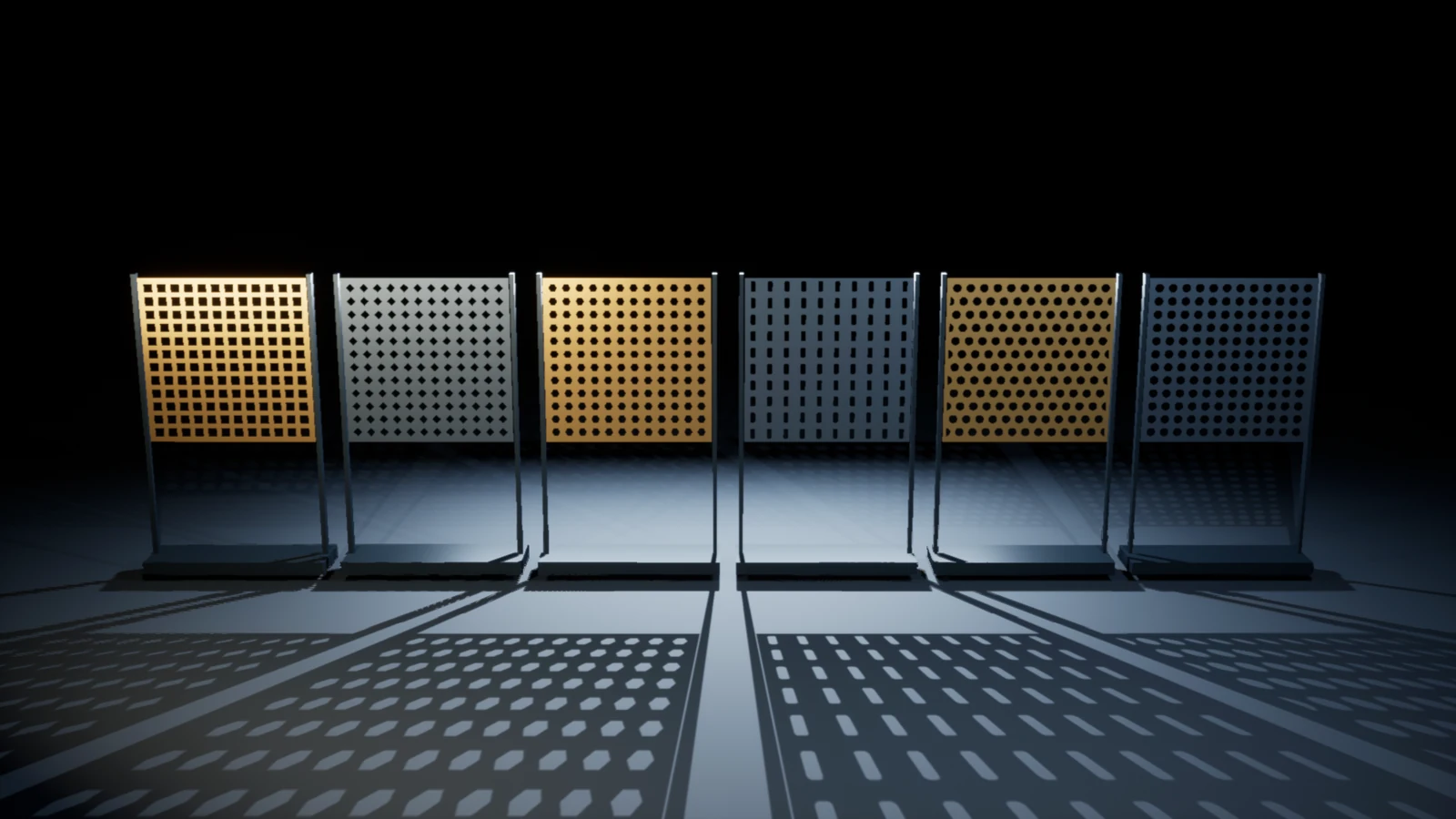
Overview map
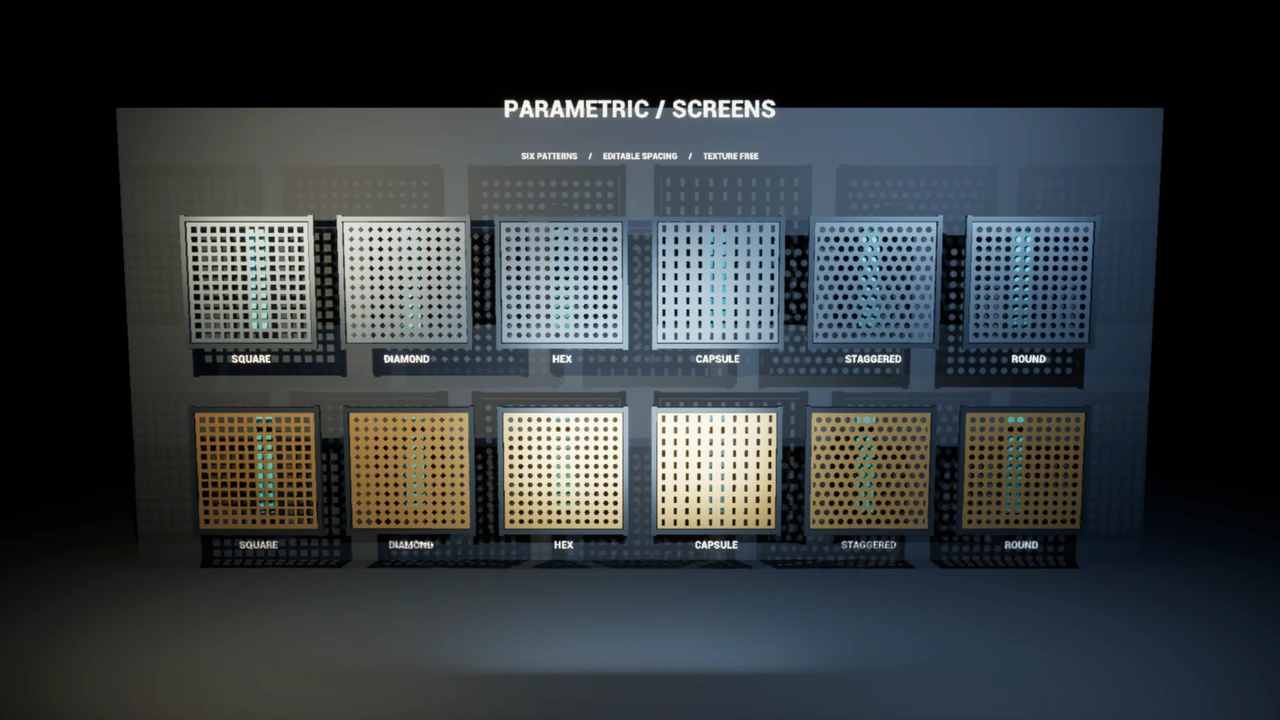
Matched cameras and lenses in Unreal Engine 5.7.4. Camera exposure overrides were disabled in both captures to show the normal map view.
The correction
One exposure setting for the map
We moved the camera-specific exposure correction to an unbound post-process volume. That applies it throughout the map, so the editor view and cinematic views share the same exposure. The geometry, materials, and lights were preserved.
Open the illustrated case study (PDF)Client services